

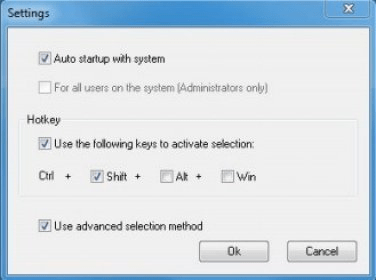
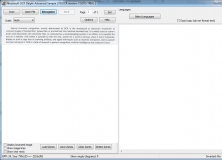
Expands the powers of your PC's built-in copy command. Screen OCR can copy text from many locations that are inaccessible to the Windows Clipboard, including dialogboxes and protected Web pages. All settings are available via the system-tray icon, which lets you select a color for highlighted text and choose how you want the text-selection tool to behave. For example, you can make it act just like the function built into Windows, or you can have it copy items in a rectangular box. Additionally, Screen OCR can copy graphics or certain areas of your screen and display statistics, such as word count and font style once you've highlighted text. Screen OCR recognizes any text visible in any place of the screen. All you have to do is to choose the proper selection mode, select the data, and copy it to the Clipboard. People who work with data that cannot be saved or printed will like the program. Screen OCR saves everything you can see on the screen and does it with astonishing accuracy, whether it's an image, scanned text, PDF, or HTML. Web designers, analysts, or interpreters also can use it. You can use Screen OCR in any way you are most comfortable with. It can be window selection, scrolling capture, simple cursor capture, or rectangular selection. It recognizes Internet Explorer windows, PDFs, pictures--anything you can read with your eyes. Screen OCR saves everything that you can see on the screen - and does it with astonishing accuracy. Whether it will be image, scanned text, PDF or HTML - Screen OCR will recognize the letters and saves it. It can be used by web-designers, analysts or interpreters also.
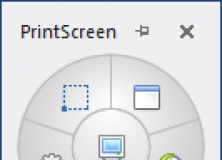


Capture a selected area of your desktop as an image using keyboard shortcuts.


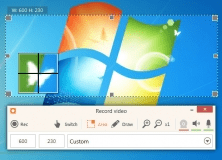
Captures image to text using inbuilt OCR, can copy image region from the screen.











Comments (1)